How to Train Your AI Agent: A Complete Knowledge Base Guide
Back to Blog
Tutorials
February 25, 202610 min read890 views

How to Train Your AI Agent: A Complete Knowledge Base Guide

Your AI agent is only as good as its knowledge base. Learn how to build one using websites, documents, Q&A pairs, and Google Drive — the five source types that power accurate AI responses.

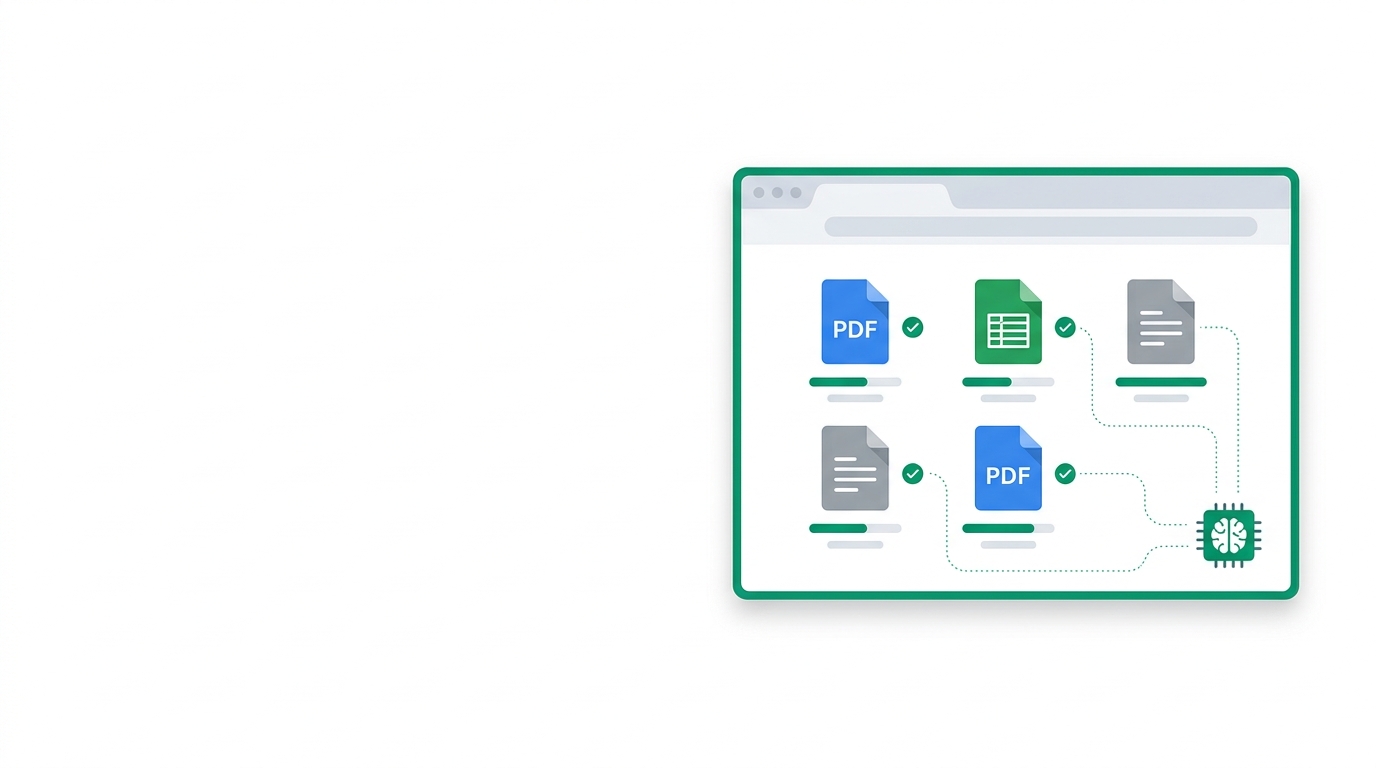
The Foundation: Your Knowledge Base An AI agent without training data is just a generic chatbot. It'll respond to your customers with confident-sounding answers pulled from its general training — which means it'll cheerfully make up your business hours, invent products you don't sell, and quote prices it dreamed up. The difference between "I'm not sure" and a genuinely helpful answer comes down to one thing: your knowledge base. Think of the knowledge base as your agent's memory. It's the collection of facts, policies, product details, and answers that the agent draws from when a customer asks a question. The richer and more accurate that memory is, the better your agent performs. Get this wrong, and no amount of AI sophistication will save you. Five Ways to Train Your Agent AlonChat supports five knowledge source types, each designed for different kinds of content and different workflows. Most businesses end up using two or three in combination. Website sources are the fastest way to get started. Point the crawler at your website and it extracts every page — product descriptions, FAQs, about pages, blog posts, everything. If the information is already published on your site, there's no reason to re-enter it manually. The crawler uses Playwright for accurate rendering, which means it handles JavaScript-heavy sites, not just static HTML. A typical business website with 50-100 pages gets fully ingested in a few minutes. File uploads handle everything that isn't on your website. PDFs, Word documents, Excel spreadsheets, CSVs — upload them directly. This is perfect for internal documents that you'd never publish: detailed product specs, internal pricing sheets, training manuals, vendor agreements. If a customer might ask about information in that document, your agent should have it. Text sources are the simplest option. Paste raw text and you're done. This works well for quick additions — a new FAQ answer, a seasonal announcement, specific instructions that don't exist in any document. Think of it as the "just tell the agent this" option. Q&A pairs are the precision tool. You define an exact question and an exact answer. When a customer asks something that semantically matches your question, the agent uses your verbatim answer instead of generating one. This is critical for content where accuracy is non-negotiable: pricing, legal disclaimers, refund policies, operating hours. You don't want the AI paraphrasing your return policy — you want it quoted word for word. Google Drive is the integration play. If your team already maintains documents in Google Workspace — and many businesses do — you can connect Drive and import directly. Documents stay in sync, and you don't have to download-then-upload every time something changes. How It Works Under the Hood Every source, regardless of type, goes through the same pipeline. First, the content is extracted and cleaned — HTML gets stripped to meaningful text, PDFs get parsed, spreadsheet rows get structured. Then the content is split into chunks. Chunking matters more than most people realize: too large, and the agent retrieves irrelevant information alongside relevant information. Too small, and context gets lost. AlonChat uses intelligent chunking that respects document structure — it splits on headings, paragraphs, and logical boundaries rather than arbitrary character counts. Each chunk then gets embedded into a vector database. Embedding means converting the text into a mathematical representation that captures its meaning, not just its keywords. When a customer asks "how do I return something I bought?", the system doesn't just search for the word "return" — it finds chunks that are semantically about returning products, even if they use different words like "refund", "exchange", or "send back". This is Retrieval-Augmented Generation (RAG) in action. The AI model never memorizes your content — it retrieves the most relevant pieces at query time and uses them to generate an accurate, grounded response. This means your knowledge base can be updated at any time and the agent immediately reflects the changes. No retraining, no waiting, no downtime. Tips for Better Training Start with your Q&A pairs. Look at your last 100 customer conversations and pull out the 20 most common questions. Write clear, complete answers for each one. This alone will handle a huge percentage of incoming queries with perfect accuracy. Next, crawl your website. This gives the agent broad coverage of everything you've already documented. Then fill gaps with file uploads or text sources for internal information that customers ask about but isn't published on your site. Structure matters. Documents with clear headings, short paragraphs, and logical organization produce dramatically better chunks than walls of unformatted text. If your PDF is a 50-page document with no headings, the chunking will be rough and the agent's answers will be hit-or-miss. Take 15 minutes to add section headers and you'll see an immediate improvement. Finally, test everything in the playground before going live. Ask your agent the questions your customers actually ask — not the ones you think they ask. Try edge cases. Try misspellings. Try Taglish. Try vague questions like "how much?" without context. Every gap you catch in testing is a customer who doesn't get a bad answer in production. Related AlonChat resources AI chatbot training Pricing Compare AlonChat Best AI chatbot in the Philippines Deployment options
trainingknowledge-baseragbest-practices

AlonChat Team

Written by

AlonChat Team

Ready to Build Your AI Agent?

Start your free trial today and deploy an AI agent in under 10 minutes.

Start Free Trial